PHOTOS
Recognize it.
See its place.
Save a photo of the thing or where you keep it. Free includes one photo per item; Plus gives you up to five.
1 photo free · Up to 5 with Plus
A place to remember your things
The passport you put somewhere safe. The spare keys. That one cable. Save its place and a useful photo. With Plus, add more photos, a short video, a voice note, or a map point.
Available on the App Store · For iPhone and iPad

A place worth rememberingPassport Bedroom, top drawer
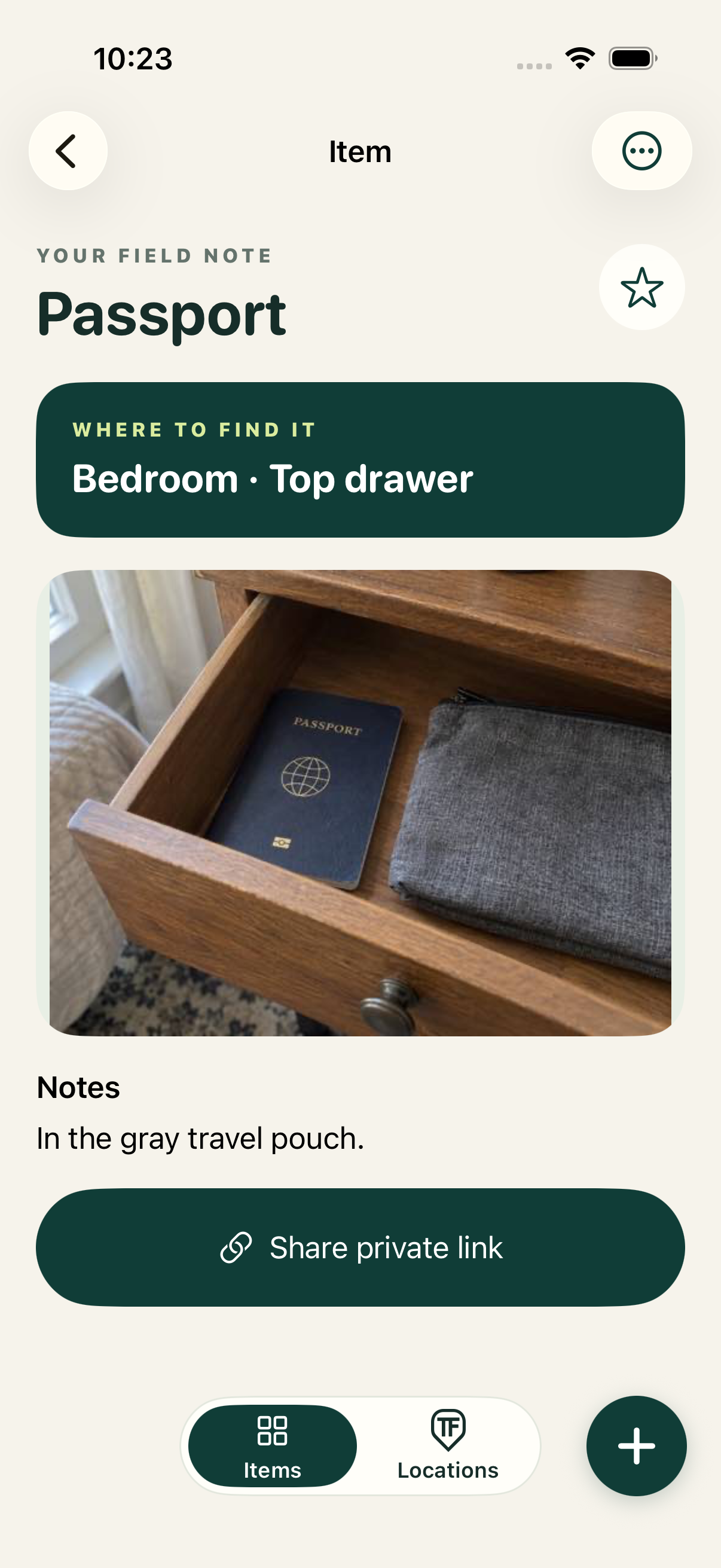
A look inside Where TF
Browse your items, add useful media, and explore your saved places. These are actual app screens with everyday example items.
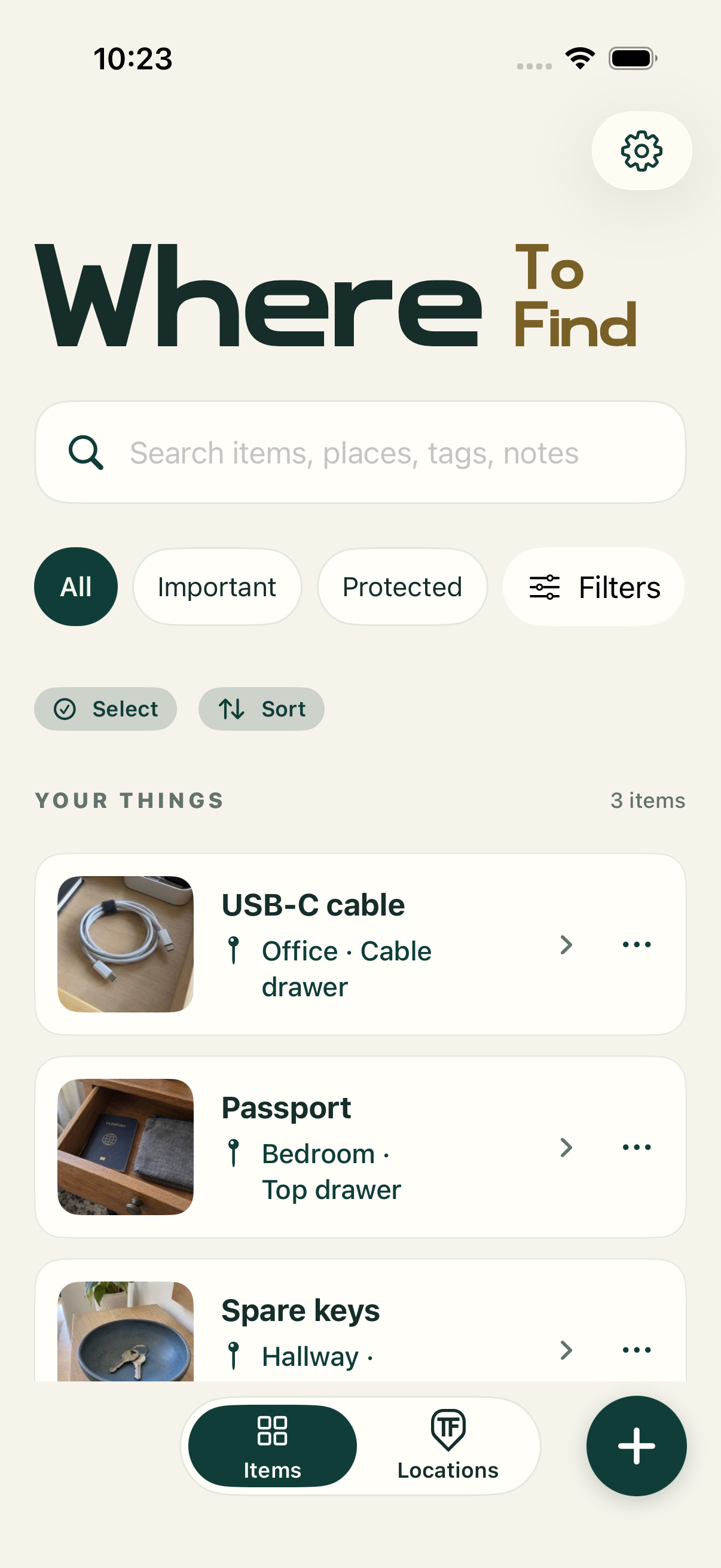
Find a saved item by its name, place, note, or tag. A small photo helps you spot the right one.
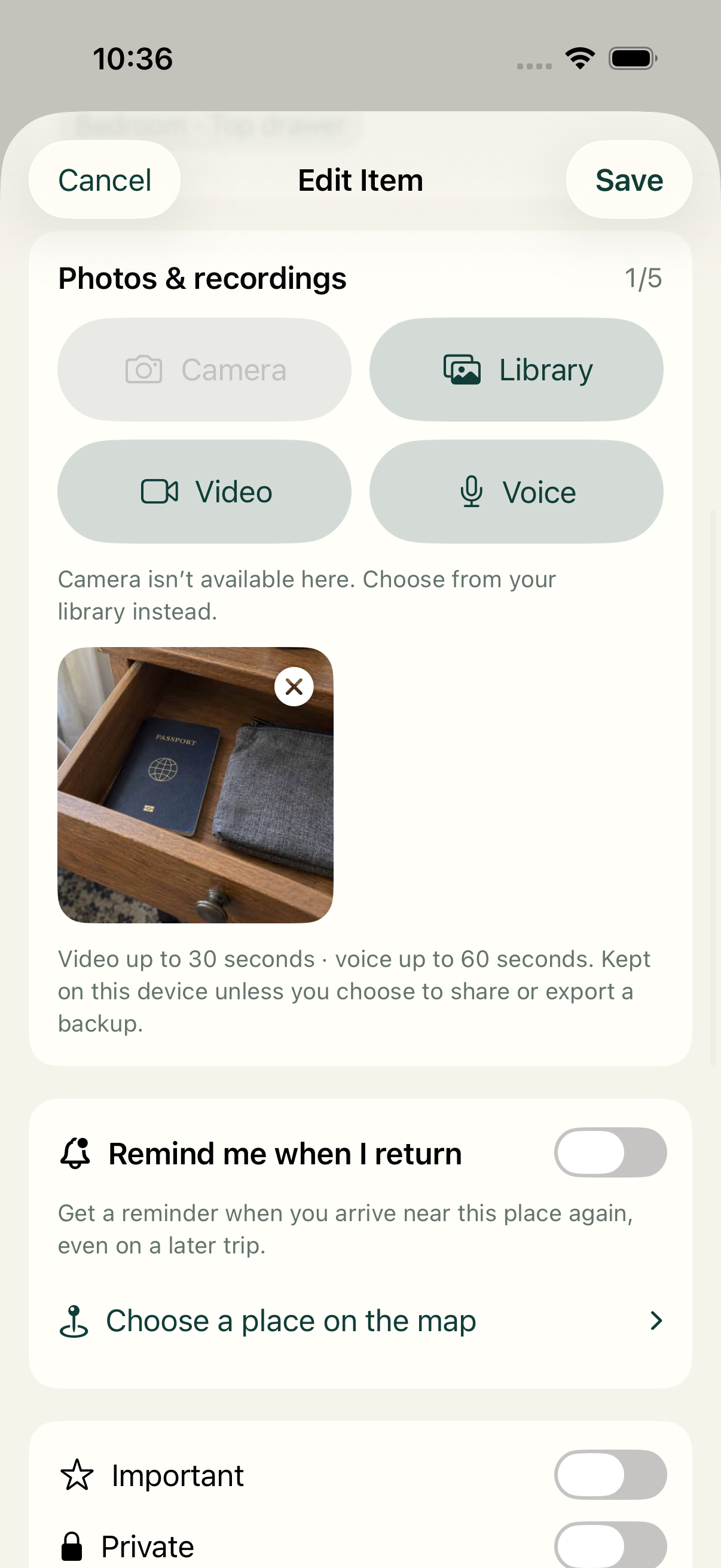
Keep a useful photo with your item. Plus adds up to five photos, a 30-second video, and a 60-second voice note, alongside optional map points and nearby reminders.
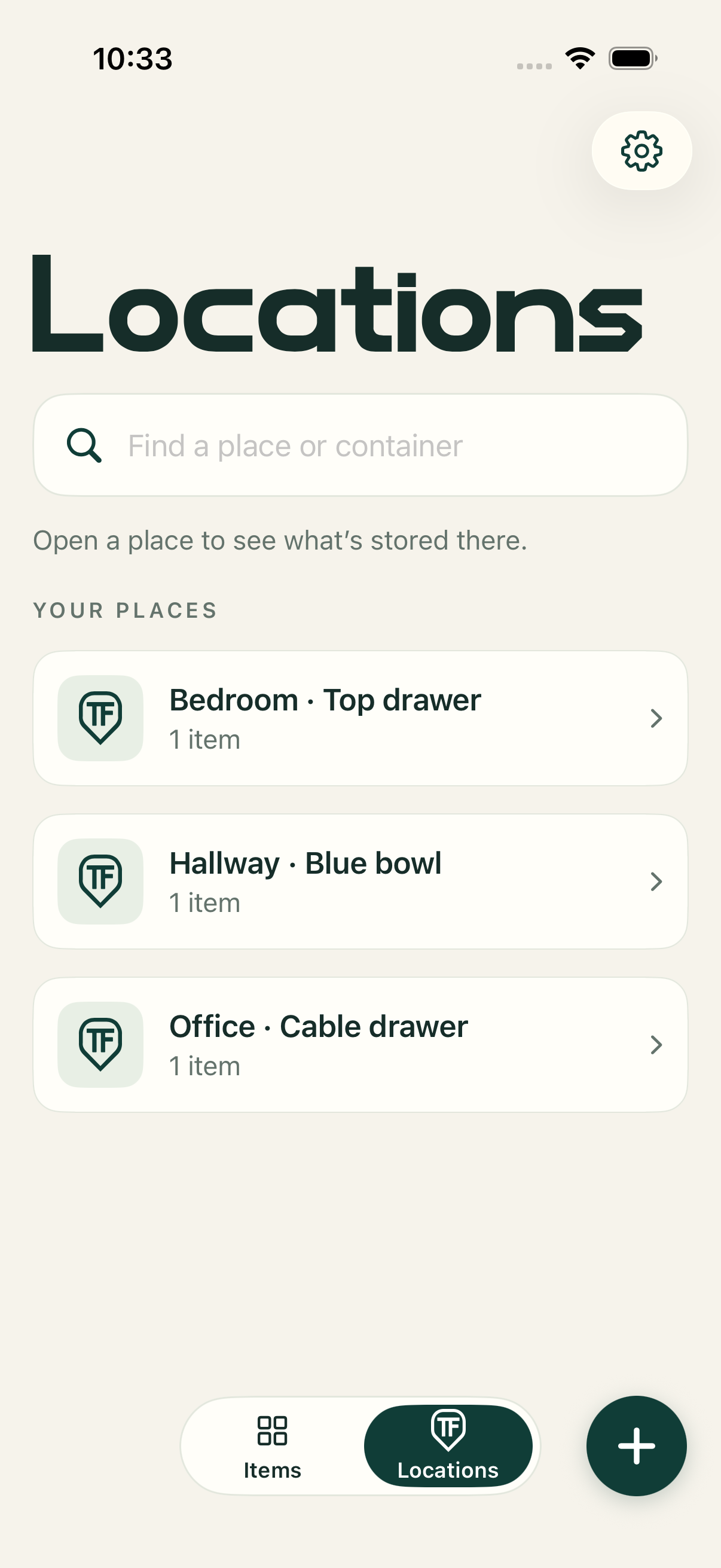
Open Locations to browse your saved places and see what you keep in each room, drawer, or container.
Actual app screens from a development build. Example items use AI-generated photos; your library uses the photos you add.
More ways to remember
A photo can show the drawer. A voice note can explain the hiding spot. Keep the details that work for you, with your item.
PHOTOS
Save a photo of the thing or where you keep it. Free includes one photo per item; Plus gives you up to five.
1 photo free · Up to 5 with PlusVOICE NOTES · PLUS
Record a voice note up to 60 seconds. Turn it into on-device text, review it, and make that detail searchable.
Up to 60 secondsVIDEO · PLUS
Add or record a short video of the shelf, container, or route to the item. Play it back when you need the extra context.
Up to 30 secondsLOCATIONS
Browse rooms, drawers, and containers in Locations. With Plus, save an optional map point and choose a nearby reminder.
Places free · Maps & reminders with PlusFrom “somewhere safe” to right here
You don’t have to catalog your whole home. Start with the things you’re always looking for.
Add a name and write where you put it. A photo is helpful, but optional. Notes and tags are there when you want more detail.
Remember the thing, the room, or a word from your note? Search your saved items and open the result to see its place.
Keep a simple written place, or organize items into rooms, shelves, and containers. Update the place when you move something.
Illustrative examples: your places can be as simple or as specific as you like.
Your saved library lives on your iPhone. Where TF has no advertising or third-party analytics.
Protect selected items with your device’s authentication. Unlock to see their details. The app also covers its content in the app switcher.
Export a complete backup to Files and choose where it goes. Backups are unencrypted, so choose a destination you trust.
Start small. Make room for more.
Free covers everyday remembering. Plus is a one-time upgrade for a larger library and added media and location tools.
FREE
For the everyday things you don’t want to lose track of.
A practical place to start.
PLUS One-time upgrade
For a growing library and the details that make it yours.
Try Plus for 72 hours. No renewal or automatic charge.
The lifetime upgrade is configured at a $9.99 US launch price; Apple shows the regional StoreKit price for your account. The zero-price 72-hour trial allows up to three private-link creations on that device. TestFlight test builds use Apple’s sandbox purchase environment; App Store downloads use Apple’s live purchase environment. Saved data stays readable and complete backup remains available after trial expiry.

Where TF · Where To Find
Remember your things on iPhone and iPad. Start with the useful free core, and add more with Plus.